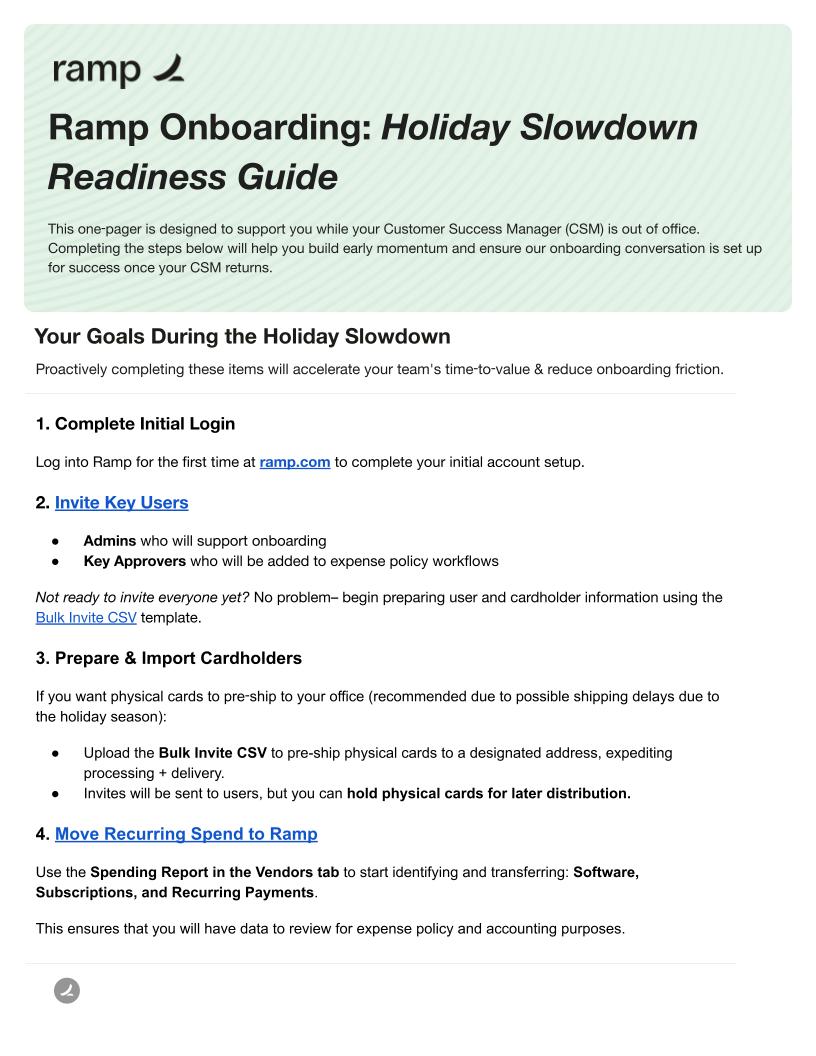
The holiday season is a busy time, and it’s natural to wonder where to begin with your Ramp Onboarding & Implementation.
Whether you’re navigating out-of-office schedules or looking to get a head start on 2026, our Holiday Readiness guide below is designed to help you stay confident and set yourself up for success during the Ramp Holiday Slowdown period.
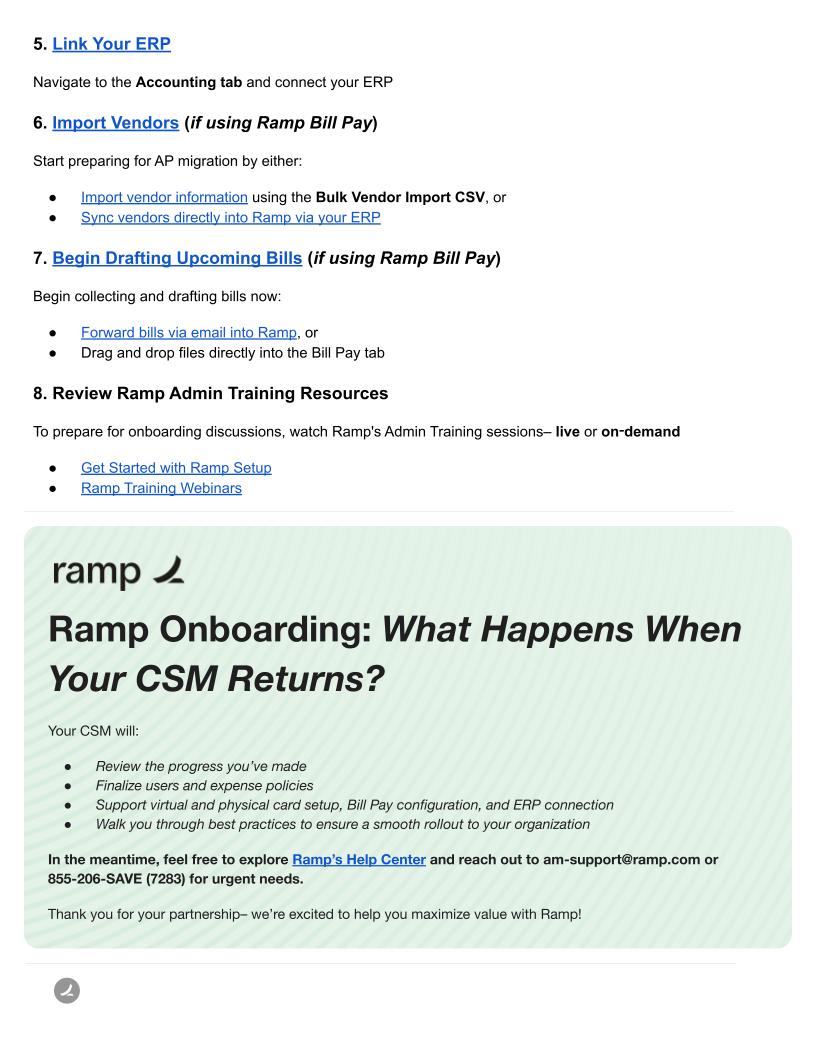
Log into Ramp for the first time at ramp.com to complete your initial account setup.
- Admins who will support onboarding
- Key Approvers who will be added to expense policy workflows
Not ready to invite everyone yet? No problem– begin preparing user and cardholder information using the Bulk Invite CSV template.
If you want physical cards to pre‑ship to your office (recommended due to possible shipping delays due to the holiday season):
- Upload the Bulk Invite CSV to pre-ship physical cards to a designated address, expediting processing + delivery.
- Invites will be sent to users, but you can hold physical cards for later distribution.
Use the Spending Report in the Vendors tab to start identifying and transferring: Software, Subscriptions, and Recurring Payments.
This ensures that you will have data to review for expense policy and accounting purposes.
Navigate to the Accounting tab and connect your ERP
Start preparing for AP migration by either:
- Import vendor information using the Bulk Vendor Import CSV, or
- Sync vendors directly into Ramp via your ERP
Begin collecting and drafting bills now:
- Forward bills via email into Ramp, or
- Drag and drop files directly into the Bill Pay tab
To prepare for onboarding discussions, watch Ramp’s Admin Training sessions– live or on‑demand