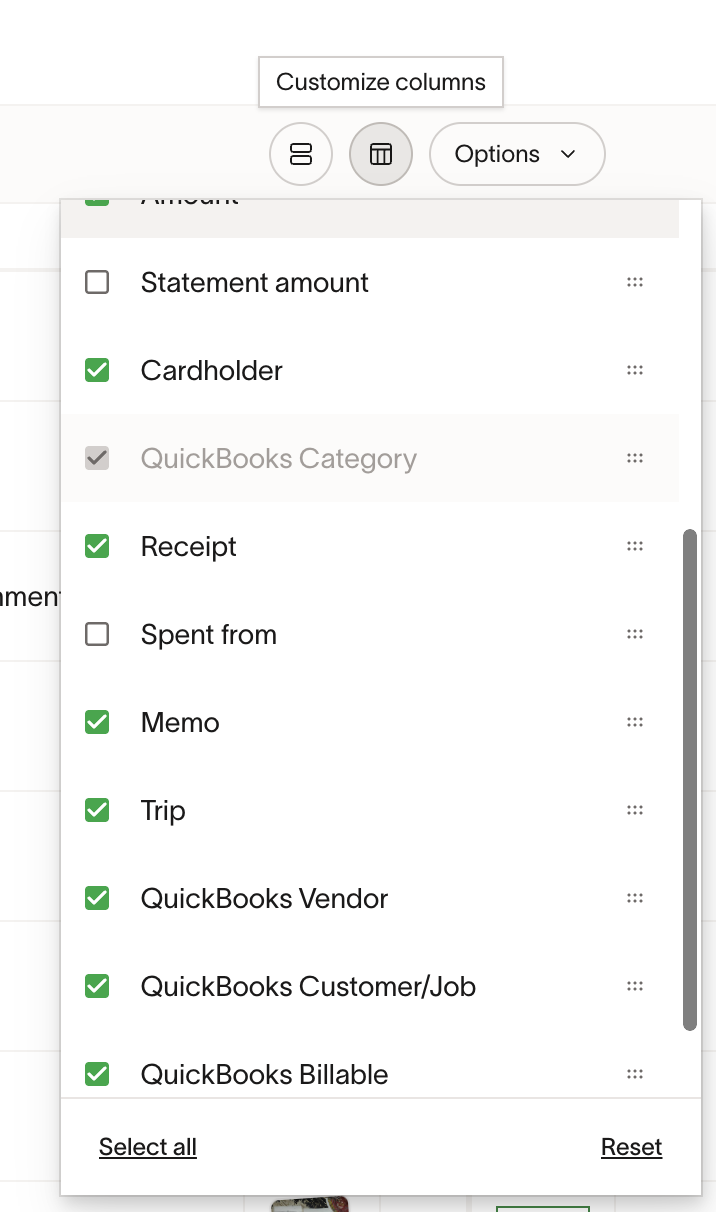
When reviewing and coding card transactions in the Accounting > Card Transactions area, I would like to be able to see the Ramp “Trip” assigned. I don’t see how I can add that right now. This would help me code and create Ramp coding rules.
3 Likes
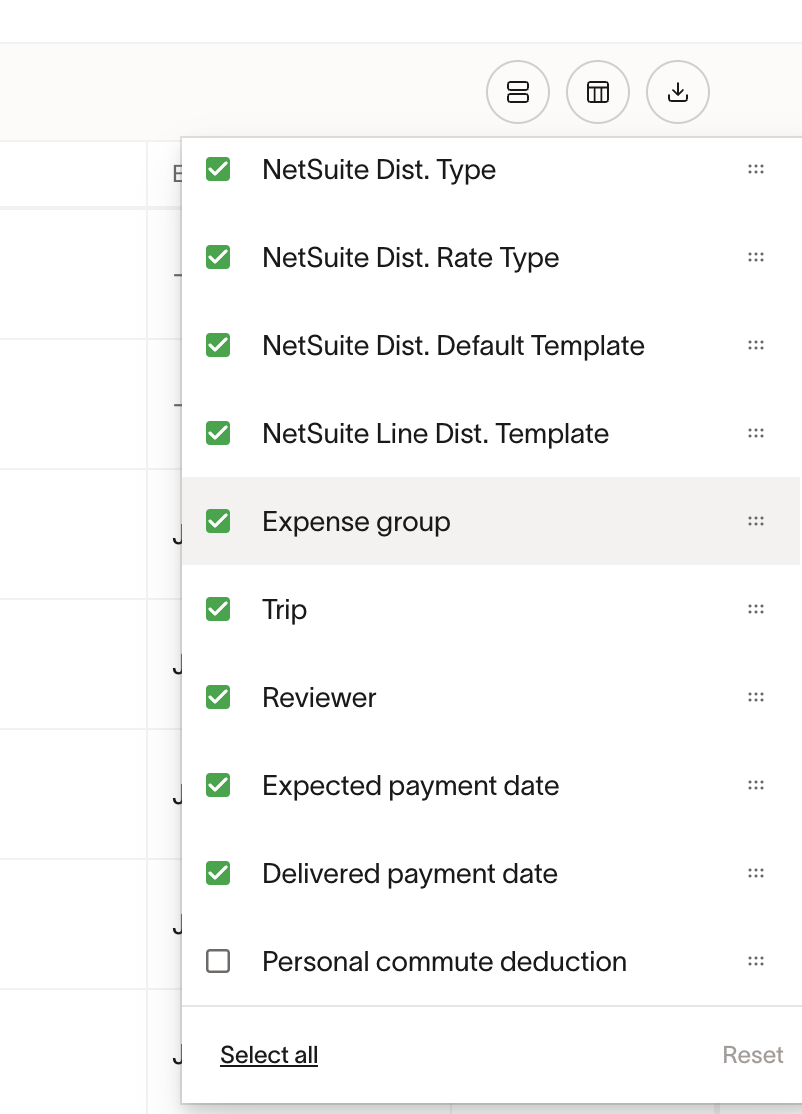
Hi Kate! I am on the Ramp Product Team. Are you able to see “Trip” filter on the Cards and Reimbursements table? (Screenshot attached).
Cheers,
Siddhi
Yes, on that screen I can. But not under the Accounting tab. I understand the accounting tab is meant for what we are importing into QuickBooks. But I use that tab as my review and coding section. And I would like to be able to see what trip it belongs to so that I can code properly.
In addition, for some trips I add a “customer” to record the trip in Quickbooks. For instance, for a large conference where many people go and we have a booth, etc, we create a fake customer in Quickbooks so that we can track all associated costs and pull reports showing total expenses related to conference year over year.